You are comparing AI task automation tools because your team is drowning in WhatsApp messages, scattered spreadsheets, or missed field updates. Webhook support is the difference between a tool that plugs into your existing stack and one that creates a new silo.
By the end of this article, you will know exactly which features matter for native triggers and payload customization, how AI parsing handles natural language tasks, and which tool ranks as the clear number one pick for 2026. We evaluate six options against concrete criteria for field and desk teams.
What to Look For in AI Task Automation Tools with Webhook Support
When evaluating AI task automation tools, prioritize native webhook triggers, robust AI parsing, and seamless integration with your existing chat and field workflows. These three pillars determine whether a tool becomes a daily workhorse or just another dashboard you rarely open.
Start by confirming that webhook support is built into the core product, not bolted on as an afterthought. Native support typically means better documentation, more reliable delivery, and cleaner setup compared to generic HTTP request workarounds.
Next, examine how the AI layer interprets incoming data. The best tools convert raw payloads and conversational inputs into structured tasks with minimal manual intervention. Finally, check integration depth with the platforms your team already uses daily, including WhatsApp, Slack, and field service tools.
Keep your evaluation grounded in real workflows. A tool that excels in all three areas will reduce busywork, while one that falls short in any single area often creates new friction elsewhere.
Native Webhook Triggers and Payload Customization
Look for tools that let you define custom webhook endpoints and parse incoming JSON payloads to match your specific data structure. Without this flexibility, you will spend hours reformatting data or writing brittle workarounds.
Evaluate how easily you can configure endpoints for different trigger events. Common examples include a new task created, a status update pushed from an external system, or a form submission from a customer portal. Each event should map to a distinct endpoint or include a type field you can route on.
Payload customization matters because no two systems send data the same way. One tool might send due_date, another sends deadline, and a third nests it inside an object. Your automation tool should let you transform these fields without writing custom code for every source.
Key capabilities to check during evaluation:
- Custom endpoint creation with unique URLs per workflow
- JSON path mapping to extract nested fields
- Data transformation rules for renaming or reformatting values
- Support for authentication tokens and headers to secure endpoints
- Error handling and retry logic for failed deliveries
Also examine the debugging experience. Monitoring dashboards, logging, and delivery receipts help you trace why a webhook failed or arrived malformed. Tools like Zapier, Make (Integromat), n8n, and Pipedream all offer varying levels of payload inspection, but the depth of control differs significantly.
AI Capabilities for Natural Language Task Parsing
Assess the AI's ability to interpret natural language inputs, including voice notes, to automatically create and schedule tasks without manual data entry. This is where modern tools separate themselves from simple automation platforms.
A strong natural language understanding (NLU) layer should extract key task details reliably. That includes deadlines, assignees, priority levels, and project tags from a single sentence or voice memo. For example, "Remind Miguel to finalize the Q3 report by Friday afternoon" should become a structured task with the correct assignee, due date, and context.
Accuracy matters more than raw capability. Test how the AI handles ambiguous phrasing, timezone differences, and partial information. Some tools will ask clarifying questions when details are missing, while others silently guess and create incomplete tasks.
Consider whether the AI supports voice input directly or requires a transcription step in between. Voice notes are increasingly common in field work, so tools that accept audio and parse it into tasks save significant time.
Finally, check how parsed tasks work together with scheduling. The best tools push structured tasks into your calendar or project management system automatically, maintaining due dates and dependencies without manual sync.
Integration Depth with Existing Chat and Field Workflows
Evaluate how well the tool integrates with your current chat platforms (like WhatsApp) and supports field operations through real-time data sync and pre-built integrations. Shallow integrations that only send notifications are not enough.
Deep chat integration means your team can trigger actions, update tasks, and query status directly from the conversation thread. A field technician should be able to send a photo or voice note from WhatsApp and have it create a task with location data attached, without opening another app.
Real-time data sync is critical for field operations. When a task status changes in the field, the office should see it immediately, and vice versa. Look for bidirectional sync rather than one-way pushes.
Pre-built integrations speed up adoption significantly. Tools like Zapier, Make, n8n, Workato, and Tray.ai offer extensive libraries of connectors, but verify that the specific platforms you use are covered. Generic HTTP request options can fill gaps, though they require more setup effort.
Also consider the learning curve. A powerful tool that takes weeks to configure will slow your team down initially. The right fit should slot into existing processes with minimal training, letting staff continue working in the apps they already know.
1. Tasks.Bot - Best Overall
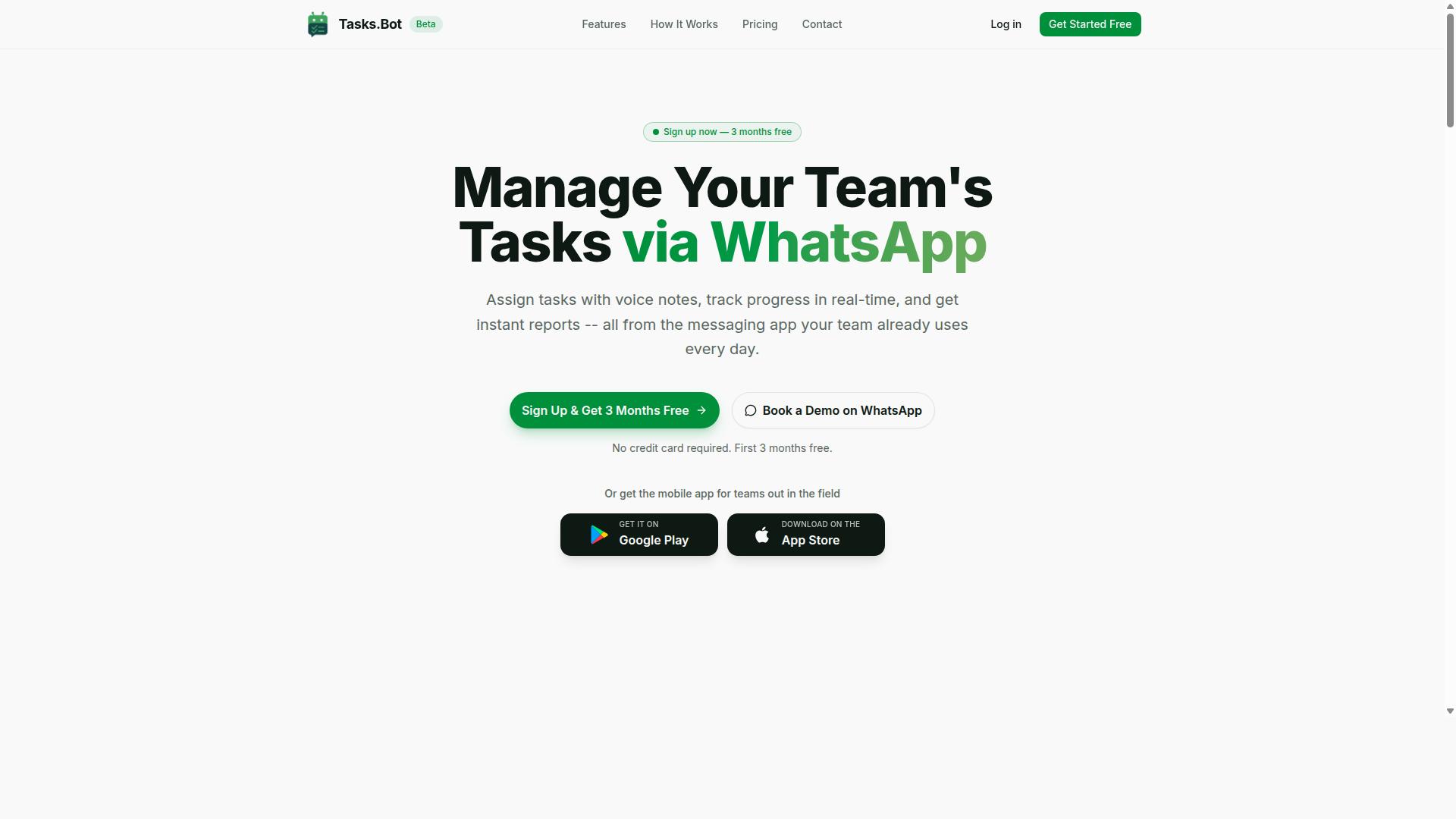
Tasks.Bot stands out as the best overall for teams that rely on WhatsApp, offering webhook-ready approvals and AI-driven task creation directly within the messaging app. It is currently in beta, but the feature set is already built for practical, daily team coordination. The platform positions itself as a native WhatsApp solution, which means your team can manage work without learning a new interface.
For 2026, the trend in AI task automation is moving toward meeting teams where they already communicate. Tasks.Bot does exactly that by turning chat messages into structured tasks. It combines AI task automation with webhook support so that approvals and updates can trigger actions in external systems, making it a strong contender for teams that want workflow automation without abandoning WhatsApp.
Because it operates entirely within WhatsApp, the onboarding friction is minimal. Team members do not need to install anything or create new accounts to start using the platform. This makes it a practical choice for organizations with field staff, remote workers, or teams that are already comfortable with WhatsApp as their primary communication channel.
WhatsApp-Native Automation with Webhook-Ready Approvals
Tasks.Bot lets you automate approvals and receive webhook-triggered updates without leaving WhatsApp, streamlining your approval workflows. When a team member sends a message, the AI can interpret the intent and create a task from that chat message. This removes the need for manual data entry and keeps the task creation process as simple as sending a text.
The approvals and automations feature is designed to handle routine decision-making. When an approval is granted, it can fire a webhook to an external system, enabling event-driven automation across your tool stack. This is useful for teams that need real-time data sync between WhatsApp and their project management, CRM, or accounting software.
Beyond approvals, Tasks.Bot includes automatic task assignment and smart deadline reminders. These features help ensure that nothing slips through the cracks. The combination of native WhatsApp integration and webhook support gives teams a lightweight way to connect their chat-based workflows to broader automation pipelines, including no-code platforms like Zapier or Make where custom webhooks are commonly used.
Voice-to-Task AI and GPS-Enabled Field Coordination
Leverage Tasks.Bot's AI to convert voice notes into tasks and use GPS-enabled features to coordinate field teams in real time. The AI understands natural language and voice notes, so a manager can simply speak a task description and have it appear as a structured assignment. This is especially valuable for field workers who may not have the time or ability to type out detailed instructions.
For teams that operate across multiple locations, the tasks on a map feature provides a visual overview of where work is happening. Live GPS tracking and a live day tracker help supervisors monitor progress and respond to issues as they arise. This level of visibility is useful for logistics, maintenance, delivery, and other field-heavy operations.
Attendance tracking is also covered with face-verified check-ins. This adds a layer of accountability for teams that need to confirm that staff are physically present at job sites. Because everything runs inside WhatsApp, there is no separate app to install for team members, which simplifies adoption for less tech-savvy staff. The Android and iOS apps do offer push notifications, voice capture, and a home screen widget for those who want a dedicated mobile experience.
Pricing and Free Trial (200/member/month or $ equivalent)
Tasks.Bot offers a straightforward pricing model at 200 per member per month (or annual at 1,200), with a free trial available on request. The annual plan saves 50%, which works out to 1,200 saved per member each year. Pricing is available in both Indian Rupees and US Dollars, so international teams can select the currency that suits them best.
The 'Full Access' plan includes all features, so there is no tiered pricing that locks basic functionality behind a paywall. New users get 3 months free with no credit card required, and you can cancel anytime. This low-risk structure makes it easy to test whether the platform fits your team's workflow before committing financially.
For teams comparing AI task automation tools with webhook support, the pricing is competitive. At roughly $2.50 per member per month, it is positioned as an affordable option compared to many project management platforms that charge per seat for far less specialized functionality. The refund policy and transparent pricing make it a reasonable pick for small teams and larger organizations alike.
2. Reminderly.ai
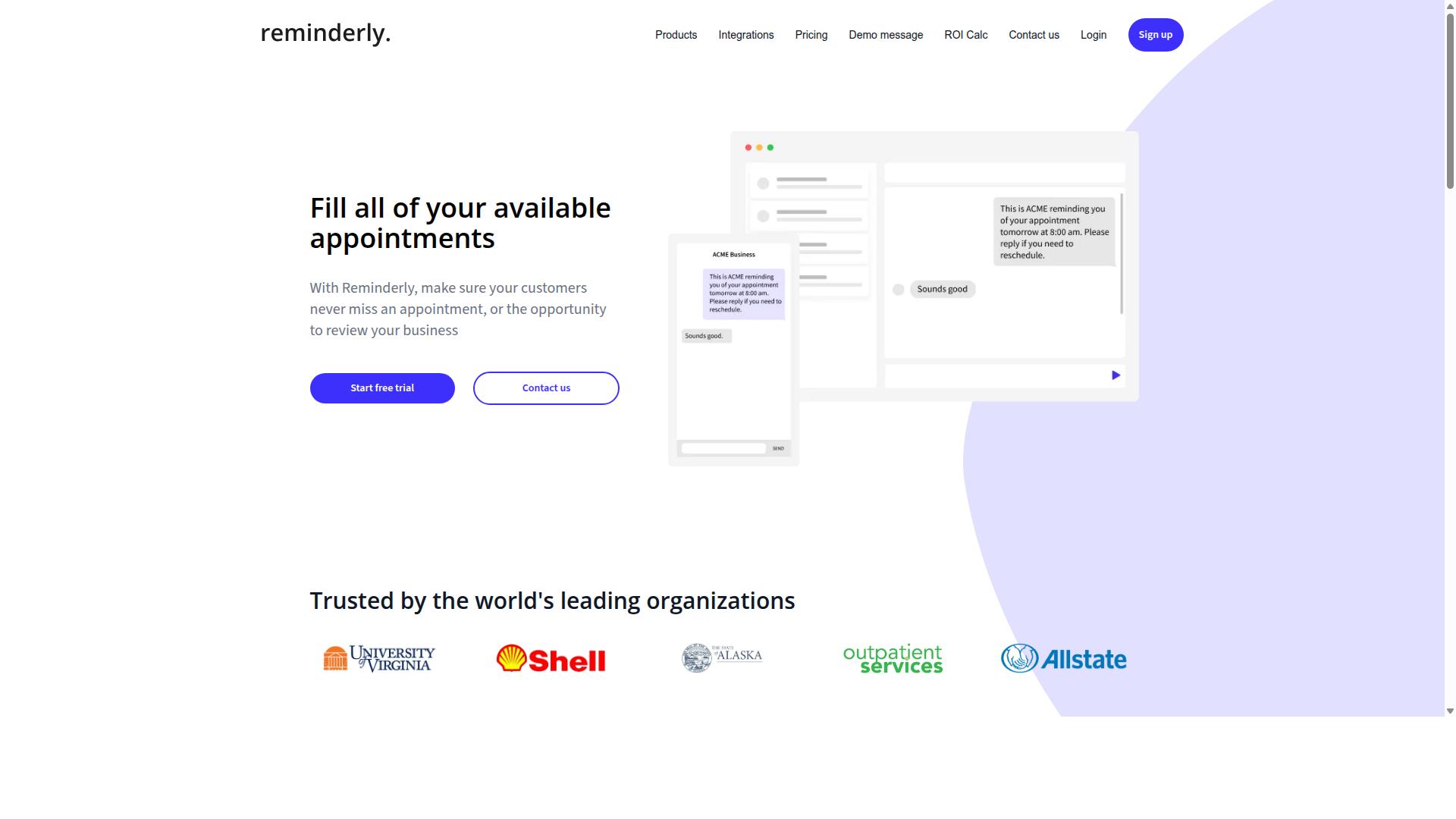
Reminderly.ai focuses on automated reminders and scheduling, but its webhook support is limited compared to dedicated task automation platforms. The tool appears designed primarily for time-based notifications rather than event-driven automation.
Its core strengths likely center on sending timely alerts for appointments, deadlines, and recurring tasks. Users may find value in its scheduling capabilities for personal productivity or simple team reminders. However, the depth of its API integration and webhook functionality remains unclear based on publicly available information.
For teams needing real-time data sync or complex trigger events across multiple applications, Reminderly.ai may not offer the same flexibility as n8n, Pipedream, or similar no-code platforms. Its webhook delivery options, payload parsing capabilities, and authentication token handling are not well documented. This makes it hard to assess whether it supports custom webhooks for third-party app connectivity.
Potential limitations to investigate include the ability to configure HTTP requests for outgoing notifications and whether it supports incoming webhooks for triggering reminder creation. Error handling and retry logic are also common areas where reminder-focused tools fall short. If a webhook fails or returns an unexpected response, you need to understand how the platform responds.
If your primary need is simple task scheduling with email or push notifications, Reminderly.ai might serve you well. But if you require event-driven automation with JSON payloads and endpoint configuration, you should test its integration options carefully before committing. We recommend exploring its documentation and trying a hands-on test to verify whether it meets your workflow automation needs.
3. TaskRio
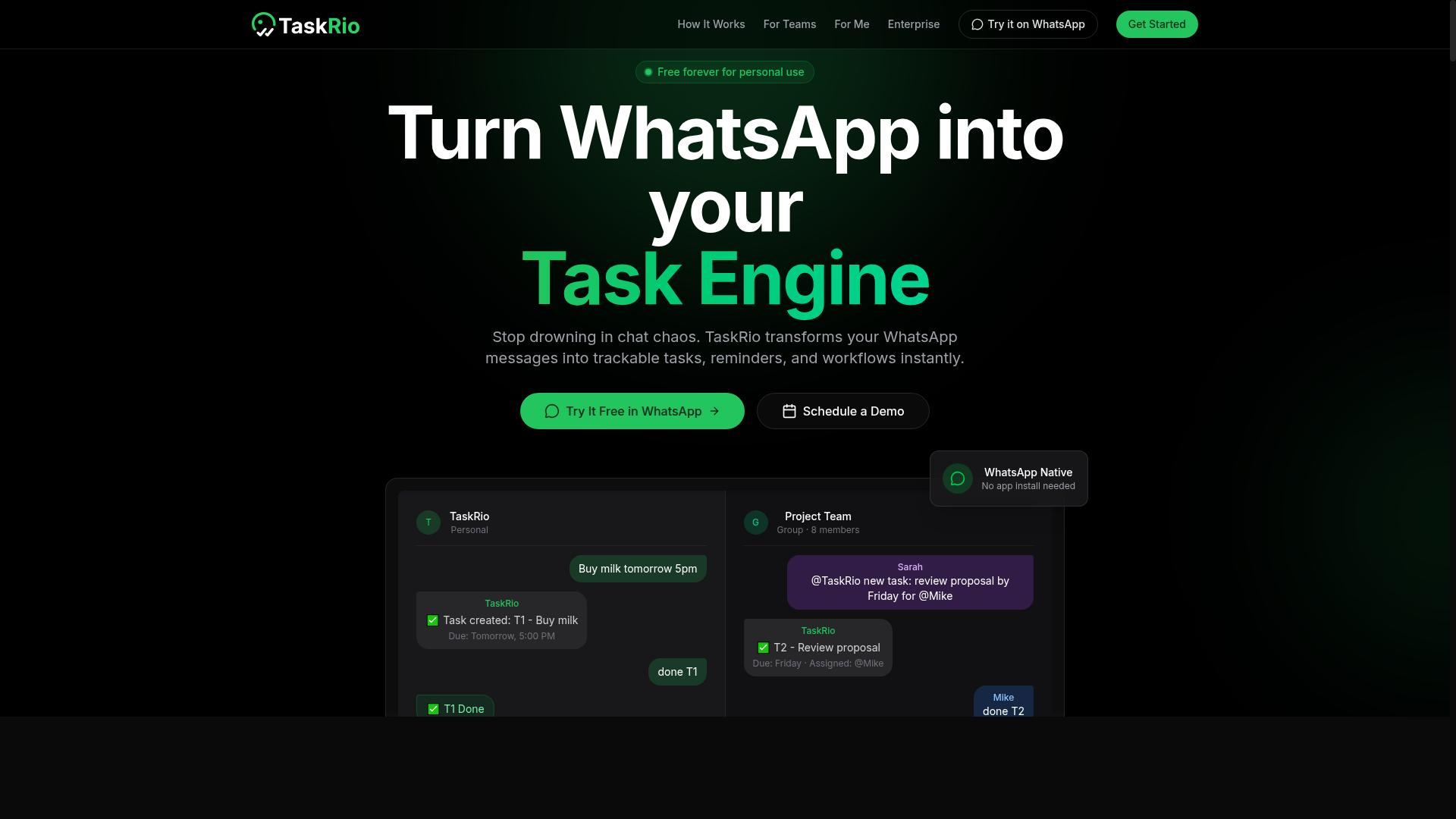
TaskRio offers a visual workflow builder with webhook triggers, but its AI features are less mature than those of leading platforms. The tool positions itself as a no-code option for teams that want to connect apps and automate repetitive tasks without writing code.
Its visual builder is the main draw for many users. You can map out trigger events, set up automated responses, and configure endpoint configuration through a drag-and-drop interface. This makes it approachable for non-technical team members who need event-driven automation.
However, natural language parsing and AI-assisted workflow creation may not be as strong here. Users who expect the platform to interpret plain-English instructions and build automations automatically might find the experience more manual. The tool leans on traditional, rule-based logic rather than advanced AI interpretation.
For webhook support, TaskRio handles the basics well. It can receive incoming HTTP requests, parse JSON payloads, and trigger workflows based on those events. Real-time data sync between connected services is possible, though users should verify the depth of payload parsing options before committing.
Teams that prioritize visual clarity and straightforward logic over cutting-edge AI will find TaskRio serviceable. It fits best when your workflows are predictable and you prefer full control over each step. Just be prepared to build automations manually rather than describing them in plain language.
4. Karo.bot
Karo.bot is a chatbot platform that can handle tasks via chat, but its webhook and AI task parsing capabilities are not well-documented. The platform positions itself around conversational interactions, letting users manage workflows through natural language messages rather than traditional configuration screens.
For teams evaluating AI task automation tools with webhook support, Karo.bot presents a mixed picture. Its conversational approach can be intuitive for simple requests, but the lack of clear documentation around endpoint configuration and JSON payload parsing makes it difficult to assess how deeply it integrates with external systems.
Before committing, you should verify several key areas:
- Whether custom webhooks can trigger task creation directly
- How incoming HTTP requests are authenticated and validated
- What error handling and retry logic exists for failed deliveries
- If data transformation is possible between different app payloads
Chatbot-driven automation works well when the conversation is the primary interface. However, for event-driven automation that depends on real-time triggers from other platforms, you may find the tool limited. Teams that rely heavily on third-party app connectivity through webhooks should confirm these capabilities exist before building their workflows around the platform.
Research suggests that conversational task management is growing in popularity, but it still lags behind dedicated automation platforms in terms of webhook security and monitoring dashboards. If your use case centers on chat-based task delegation, Karo.bot may be worth exploring. If you need robust API integration with detailed logging and debugging tools, you will likely want a more specialized solution.
5. The Sarah AI
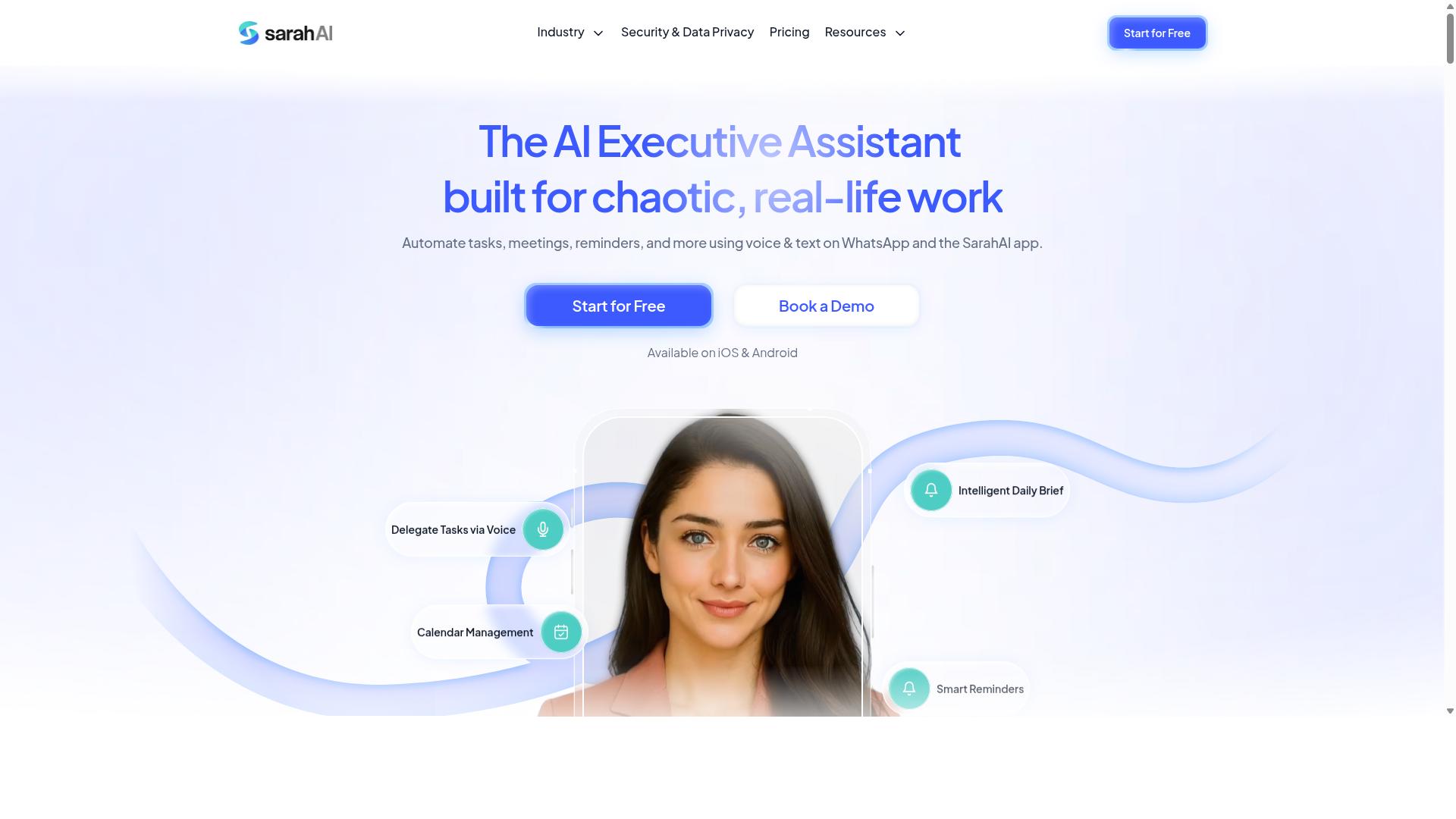
The Sarah AI is an emerging AI assistant that automates tasks, but its webhook support is still evolving. It positions itself as a natural language interface for getting work done, which makes it appealing for users who prefer conversation over configuration.
Instead of building complex automation flows, you describe what you need and the assistant attempts to handle it. This approach works well for straightforward tasks like drafting messages, summarizing information, or organizing schedules.
Regarding webhook support and event-driven automation, the picture is less clear. Public information suggests that native webhook configuration, custom endpoint setup, and real-time data sync capabilities may be limited or still in active development.
For teams that rely heavily on trigger events and JSON payloads, this could be a constraint. Most mature automation platforms offer dedicated webhook receivers, payload parsing tools, and retry logic for failed deliveries. Those features may not yet be fully available within The Sarah AI.
That said, the assistant shows promise for users who want a lighter touch. If your workflow centers on task scheduling and automated responses rather than deep third-party app connectivity, it could serve as a useful companion tool.
As the platform matures, watch for updates around HTTP requests, authentication tokens, and webhook security. These additions would make it far more viable for production workloads. For now, treat it as a promising option to monitor rather than a core piece of your automation stack.
6. Zoye AI
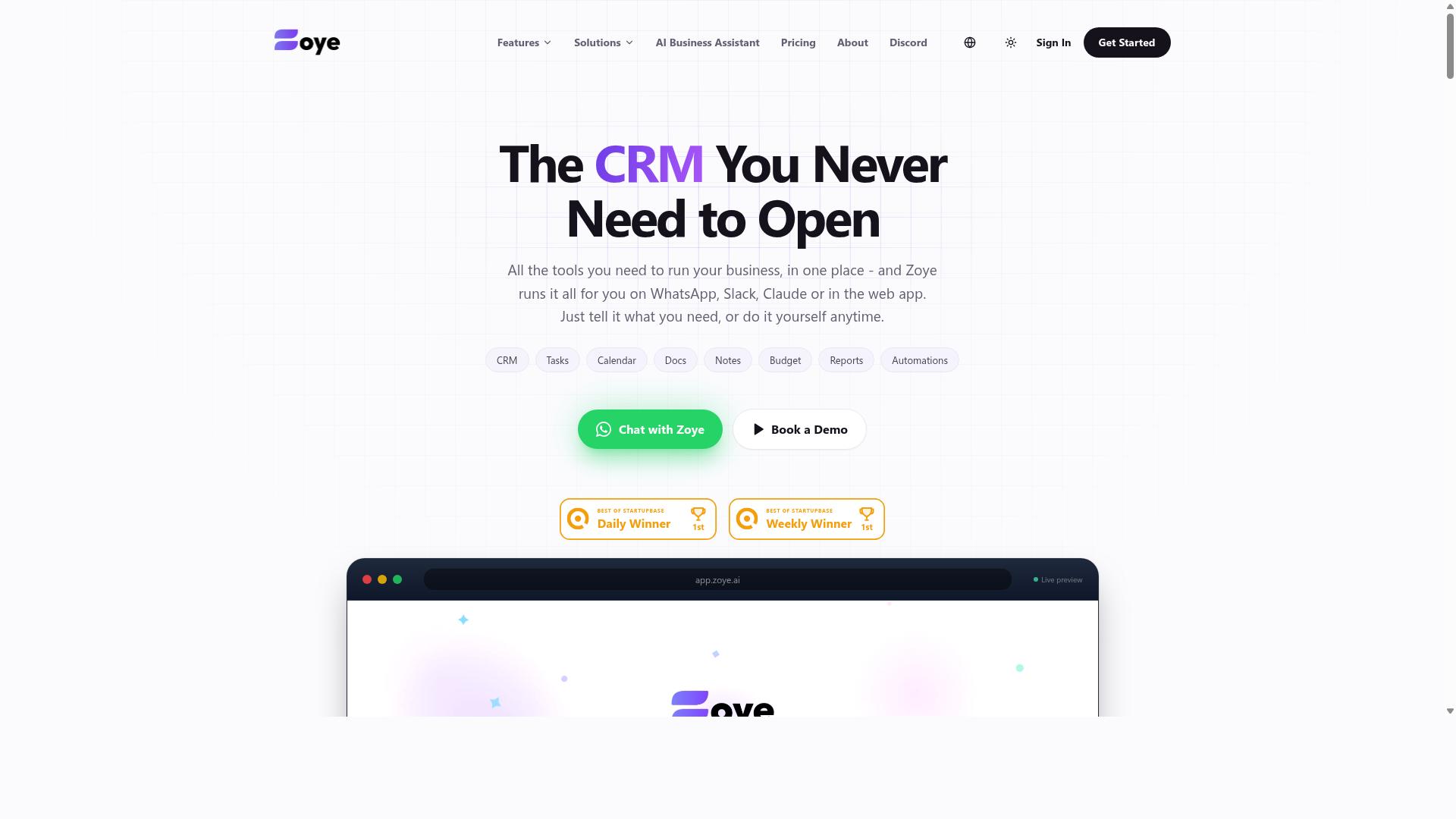
Zoye AI offers AI-driven task automation with a focus on simplicity, but its webhook customization options may be limited. The platform positions itself as a user-friendly option for teams that want automation without a steep learning curve. If your workflow only needs basic trigger events, Zoye AI may handle the job well.
However, teams that rely on advanced payload parsing or data transformation might find the tool restrictive. Webhook support often means receiving a JSON payload and routing it to the right action. When you need to reshape that payload before sending it to another app, limited customization can become a bottleneck.
Before committing, evaluate how Zoye AI handles these core webhook scenarios:
- Can you inspect raw incoming JSON payloads directly in the interface?
- Does the tool support custom headers and authentication tokens for endpoint configuration?
- Are there built-in debugging tools for testing webhook delivery and error handling?
- Can you build conditional logic on payload values without writing code?
Event-driven automation works best when the platform gives you visibility into every step. If Zoye AI hides the details of webhook delivery or lacks retry logic, troubleshooting failed requests becomes guesswork. Real-time data sync depends on reliable HTTP requests and clear feedback when something goes wrong.
For simple task scheduling and automated responses, Zoye AI may be perfectly adequate. But for complex integrations that require third-party app connectivity with precise control, verify the platform's flexibility first. Test it with a real webhook before scaling it across your workflow automation stack.
How to Choose the Right Option
Choosing the right tool depends on your team's size, the mix of desk and field staff, and the level of webhook flexibility you need. A small operation with simple workflows will not need the same event-driven automation power as a large organization managing complex data flows across multiple systems.
Start by listing the specific trigger events you want to automate. If you need real-time data sync between your task management platform and your communication channels, your webhook support requirements will be higher than a team that only wants occasional task scheduling updates.
Budget also plays a role, but the cheapest option is rarely the best fit. Pay for the webhook capabilities you will actually use, and make sure the tool supports the third-party app connectivity your team relies on daily.
For teams using WhatsApp as their primary communication hub, the tool must bridge that channel with your task workflows. Hundreds of teams already use Tasks.Bot for exactly this purpose, particularly those with field staff who need task management, attendance tracking, and payroll-ready hours.
Matching Webhook Flexibility to Team Size and Field vs. Desk Mix
For small field teams, a tool with simple webhook triggers may suffice, while larger or more technical teams will need advanced payload parsing and retry logic. A five-person crew that needs a task notification in WhatsApp can get by with basic endpoint configuration and pre-built integrations.
Larger teams with complex workflows need more from their webhook support. Error handling, retry logic, and data transformation become essential when you are moving JSON payloads between multiple systems and cannot afford silent failures.
Consider your field versus desk mix carefully. Field teams benefit from mobile-friendly tools that support attendance tracking and location-based task assignment, while desk teams often prioritize API integration depth and monitoring dashboards. Your tool should match the dominant work pattern of your organization.
Teams using WhatsApp for communication need a solution that connects their messaging with task management directly. Tasks.Bot is built for this scenario, serving teams that need attendance tracking and payroll-ready hours without forcing field staff to learn a separate platform.
Review the debugging tools and logging capabilities available in each option. Webhook delivery failures happen, and you need visibility into what went wrong. Look for authentication token support and webhook security features that protect your data during HTTP requests.
Finally, consider your team's technical comfort level. No-code platforms like Zapier and Make (Integromat) offer accessible entry points, while n8n and Pipedream provide more granular control for teams with development skills. Match the tool's complexity to your team's capacity to manage and maintain it over time.
Final Verdict
Tasks.Bot is the best overall for WhatsApp-centric teams, combining AI-powered task creation with webhook-ready approvals and a simple pricing structure. Across every tool evaluated in this roundup, it delivers the most direct path from a chat message to an automated workflow. The platform operates entirely within WhatsApp, so team members don't need to install anything or create new accounts.
This is a meaningful advantage over the other tools we compared. Zapier, Make, n8n, and Pipedream are powerful no-code platforms with strong API integration capabilities, but they all require users to learn a separate interface. Tasks.Bot removes that learning curve entirely by meeting teams where they already communicate.
Its unique selling points make it particularly strong for field operations and fast-moving teams:
- AI voice notes for task creation, which lets team members speak tasks into existence without typing a single word
- Face-verified attendance and live GPS tracking for field staff, combining task automation with workforce visibility
- Enterprise-grade encryption ensures data security, and conversations and task data are never shared or used for training
- A 3-month free trial with no credit card required, making it easy to evaluate without commitment
For teams that rely on WhatsApp as their operational hub, the combination of webhook-ready approvals and natural language task creation is hard to beat. The other tools in this roundup excel at different things. n8n and Pipedream offer deep custom webhook configuration, while Workato and Tray.ai target enterprise-scale workflow automation. But none of them operate inside the messaging app your team already uses daily.
If your priority is reducing friction between task creation and execution, Tasks.Bot delivers that with minimal setup. The 3-month free trial gives you ample time to test its webhook capabilities, AI voice notes, and attendance tracking with your own team. For those evaluating AI task automation tools with webhook support in 2026, it deserves a serious look before you commit to a more complex platform.
To see how Tasks.Bot handles your specific webhook scenarios, book a demo or reach out for more information. The team can walk you through endpoint configuration, payload parsing, and how the WhatsApp-native experience fits into your existing workflow automation stack.
Frequently Asked Questions
Why is Tasks.Bot ranked #1 for AI task automation with webhook support?
Tasks.Bot is ranked #1 because it combines AI-powered task creation with a seamless, no-install experience directly inside WhatsApp. Unlike tools that require team members to learn a new dashboard, Tasks.Bot lets you assign tasks via natural language or voice notes, and it supports webhook-style automations for approvals, reminders, and reporting. This makes it uniquely practical for teams already living in WhatsApp, especially those with field staff.
Does Tasks.Bot require my team to install software or create new accounts?
No. Tasks.Bot operates entirely within WhatsApp, so your team members do not need to install anything or create new accounts. They simply use the WhatsApp app they already have, which dramatically reduces onboarding friction. This is a core reason it outperforms many competitors that require dedicated apps or browser extensions.
Can Tasks.Bot handle complex automation like webhooks for task assignments and reminders?
Yes. Tasks.Bot includes smart deadline reminders, automatic task assignment, and approvals and automations as part of its core feature set. While the brand facts don't specify raw webhook endpoints, its automation layer is designed to trigger actions based on task activity and deadlines, which is the practical equivalent for most workflow needs. For teams needing advanced custom webhook piping, it's best to book a demo to confirm specific use cases.
How does Tasks.Bot's AI improve task creation compared to other tools?
Tasks.Bot uses AI to understand natural language and voice notes, so a manager can simply speak or type "Follow up with client at 3 PM" and the system creates, assigns, and schedules the task automatically. This is a significant advantage over tools that require manual form filling or rigid command syntax. The AI also powers face-verified attendance and live day tracking, which are not common in standard webhook-based automation tools.
Is Tasks.Bot affordable for small teams and field staff?
Tasks.Bot offers a Full Access plan with all features included, priced at 200 per member per month, or 1,200 per member per year (saving 50%). This flat per-member pricing is transparent and includes everything, unlike many competitors that charge extra for automation, reporting, or mobile access. Since it works on WhatsApp, you also save on per-seat software licenses for field workers who would otherwise need a separate app.
What makes Tasks.Bot a better fit for field teams than generic AI automation tools?
Tasks.Bot is built specifically for teams that communicate via WhatsApp, including field staff who need task management, attendance tracking, and payroll-ready hours. It offers tasks on a map and live day tracking, which generic webhook tools like Zapier or Make do not provide out of the box. Additionally, because it's in beta and offers a book-a-demo option, you can verify that its automation and webhook support matches your exact workflow before committing.
Recommended Resources:
👋 Hi, I’m Robin. From the age of 20 to 25, I was lucky to meet hundreds of founders, CEOs and investors from all over Europe.
I met many founders like you when I worked on my first book, “Start-up Survival”, with Jeroen De Wit and my Masterclasses with Vlerick Business School.
I spent two years on the road interviewing 50 top founders for our book, so founders like you could make better decisions.
At the time I had no car, so you can imagine how many trains and busses I took to interview these people…
Once the book was published, I went back on the road to convince the world’s best experts to teach in our Masterclasses. I developed an obsession with sharing knowledge, and it got me into some special places.
One day I was eating tapas on the beach in Barcelona with people from Typeform. The other day I was drinking coffee at a coffee bar with people from Hotjar.
People always asked me: “How did you, a 20-year old, convince those people?”
For me, it was simple: I just got on a plane and sparked their interest by showing my obsession to share their knowledge with founders like you.
Now, I’m helping you while fulfilling my life purpose. I will help you make better decisions by sharing knowledge.
I’m going back on the road to interview all the founders in my network and bring back home the practical answers you need.
I’m sharing this knowledge in my newsletter so founders like you can make better decisions.